
How SpikeScience Builds Your Volleyball Training Program From Video Analysis
From phone upload to personalized monthly workout calendar. Here is exactly what happens inside the platform.
Most volleyball training apps give you a list of exercises and tell you to go do them. SpikeScience does something different. It looks at how you actually move, identifies the specific mechanical issues limiting your performance, and builds a training program that targets those issues directly. Here is exactly how that process works from upload to finished program.
Step 1: Upload Your Video
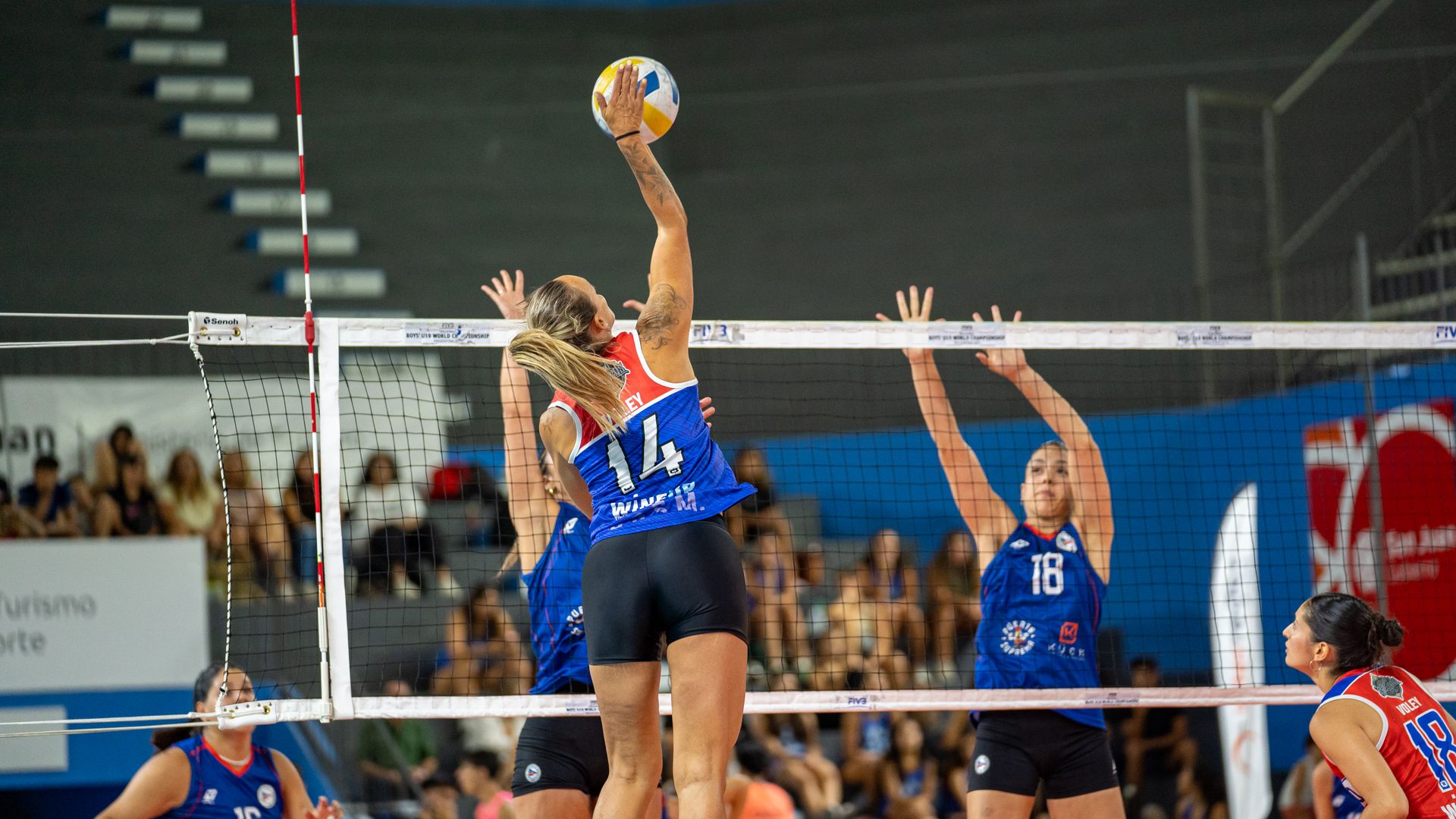
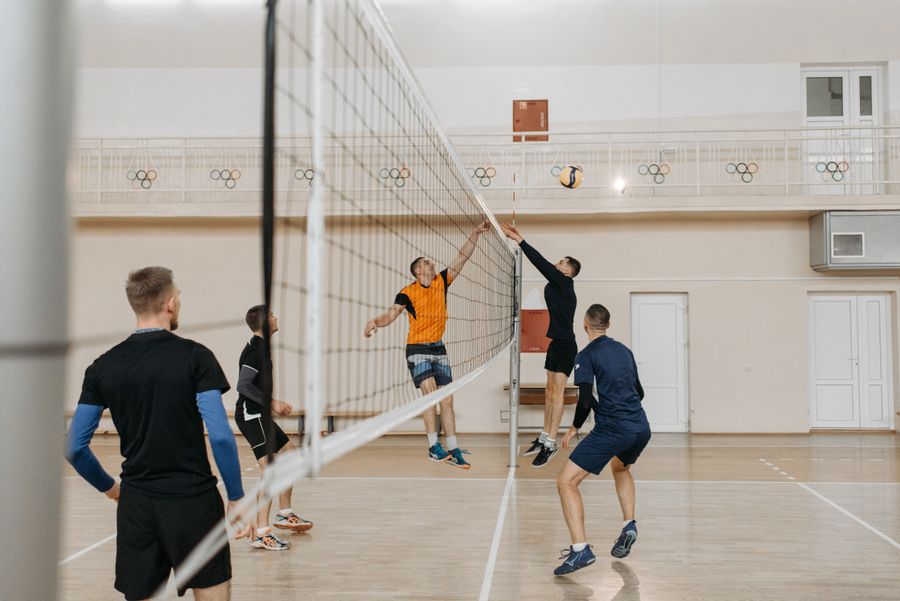
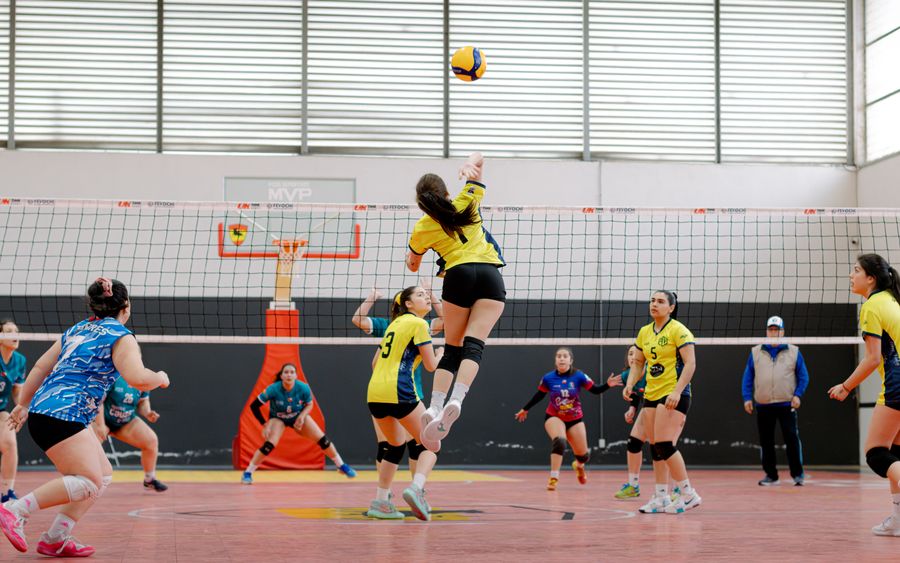
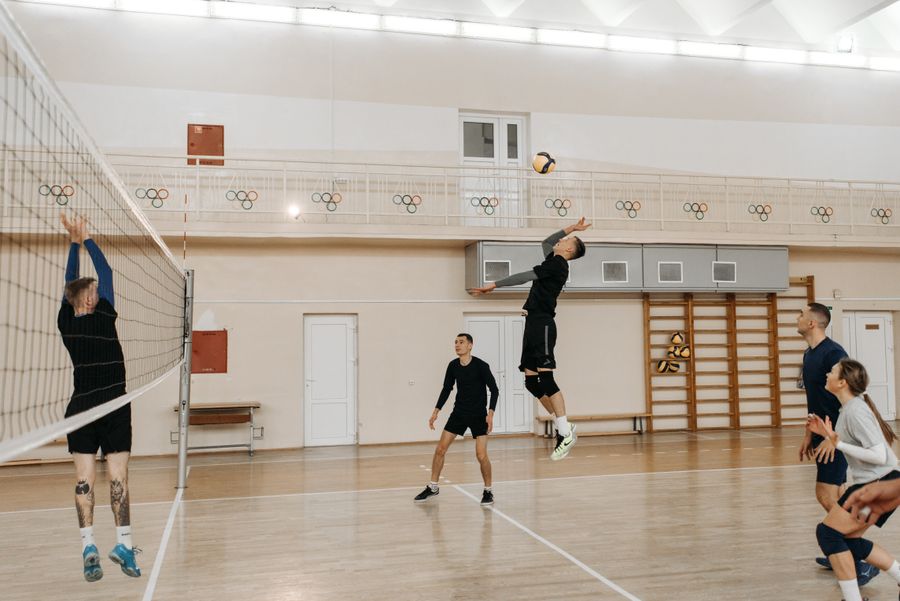
You record 10 to 30 seconds of footage on your phone. The best clips are single skill repetitions. An approach jump. A jump serve. A pass. A set. You do not need a tripod or a special camera angle, though a side or rear angle at about 10 feet away produces the most reliable data. You upload the clip to the platform. The upload takes about 15 seconds for a standard clip.
Step 2: AI Pose Estimation
The platform runs your video through a pose estimation pipeline that identifies 33 body landmarks on every frame. Shoulders, elbows, wrists, hips, knees, ankles, and key spinal points. The pipeline runs at approximately 30 frames per second, so a 3 second approach jump produces about 90 frames of tracked data. Each landmark has a confidence score, and frames below the threshold are flagged so the system knows where the data is less reliable.
Step 3: Biomechanics Calculation
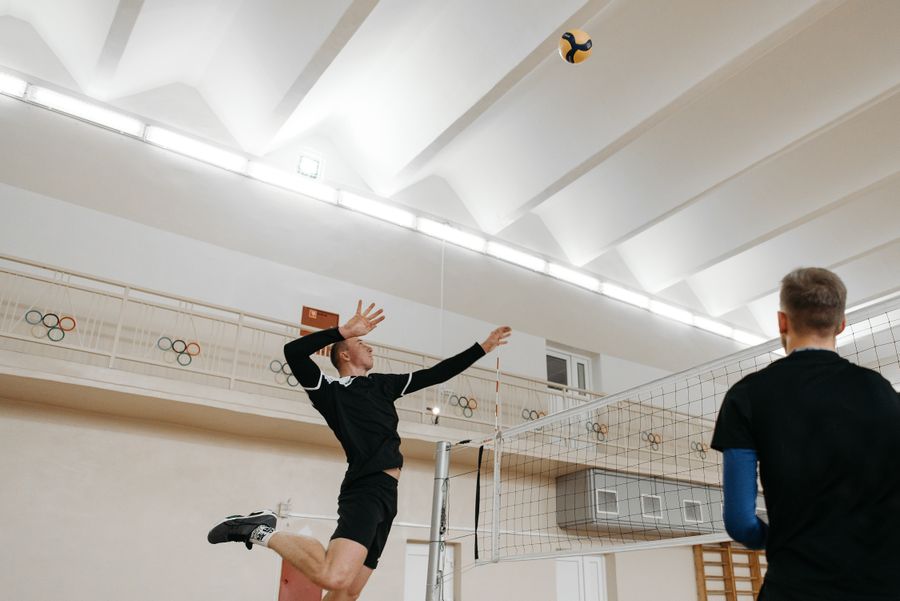
From the landmark data, the platform calculates the metrics that sports scientists use to evaluate volleyball performance. Hip rotation timing relative to shoulder rotation. Arm swing velocity at the shoulder, elbow, and wrist. Penultimate step length and symmetry. Knee flexion angle at landing. Hip to shoulder separation at peak loading. Approach timing phases. Each calculation uses the same definitions published in peer reviewed biomechanics research.
Step 4: Position Specific Benchmarking
Your metrics are compared against benchmarks specific to your position. An outside hitter is compared against outside hitter benchmarks. A setter against setter benchmarks. A libero against libero benchmarks. The platform supports all six positions. This matters because the athletic demands of each position are fundamentally different. A setter does not need the same approach jump mechanics as an outside hitter. A libero does not need the same arm swing velocity as an opposite. Generic benchmarks produce generic programs. Position specific benchmarks produce targeted programs.
Step 5: PRISM Score Generation
Your metrics are compiled into the PRISM score across seven dimensions. Power. Rotational mechanics. Approach timing. Jump mechanics. Arm swing efficiency. Landing quality. Movement symmetry. Each dimension gets a subscore. The overall score gives you a baseline. You can see exactly which dimensions are strong and which need work. This is not a vanity metric. Each dimension maps to specific training interventions.
Step 6: Training Program Generation
This is where SpikeScience separates from every other volleyball app. The platform takes your PRISM score, identifies the dimensions that need the most work, and selects exercises from a library of over 500 exercises to address them. The selection is not random. Each exercise in the library is tagged with the biomechanical dimensions it targets, the position it benefits, and the progression stage it belongs to. The system builds a program that targets your weakest dimensions first while maintaining your strongest ones.
Step 7: Monthly Workout Calendar
The program is scheduled into a monthly workout calendar. You see what to train on each day, when to rest, and when to test. The calendar adapts as you log completed sessions and as your PRISM score improves. If your rotational mechanics score moves from weak to adequate, the system reduces rotational work and increases volume in the next weakest dimension. This is what individual players need most. Not a list of exercises, but a scheduled plan that tells you what to do and when to do it.
Step 8: Injury Risk Screening
Every uploaded video is screened for four high risk landing patterns. Knee valgus. Stiff knee landing. Lateral trunk lean. Asymmetric bilateral contact. If any of these are flagged, neuromuscular corrective work is added to your program automatically. This is not a separate feature you have to find. It is built into the analysis and the program generation. The platform treats injury prevention as part of performance training, not an add-on.
The Result
In about 10 minutes from upload to finished report, you get a biomechanics analysis, a PRISM score, an injury risk screening, and a personalized monthly training program with a scheduled workout calendar. No team required. No coach required. No motion capture lab required. Just your phone and the platform. That is the entire point.
[1] SpikeScience. "AI Volleyball Training." spikescience.com/ai-volleyball-training
[2] SpikeScience. "Exercise Prescription." spikescience.com/exercise-prescription
[3] SpikeScience. "Biomechanics Lab." spikescience.com/biomechanics-lab
[4] SpikeScience. "Workout Calendar." spikescience.com/workout-calendar